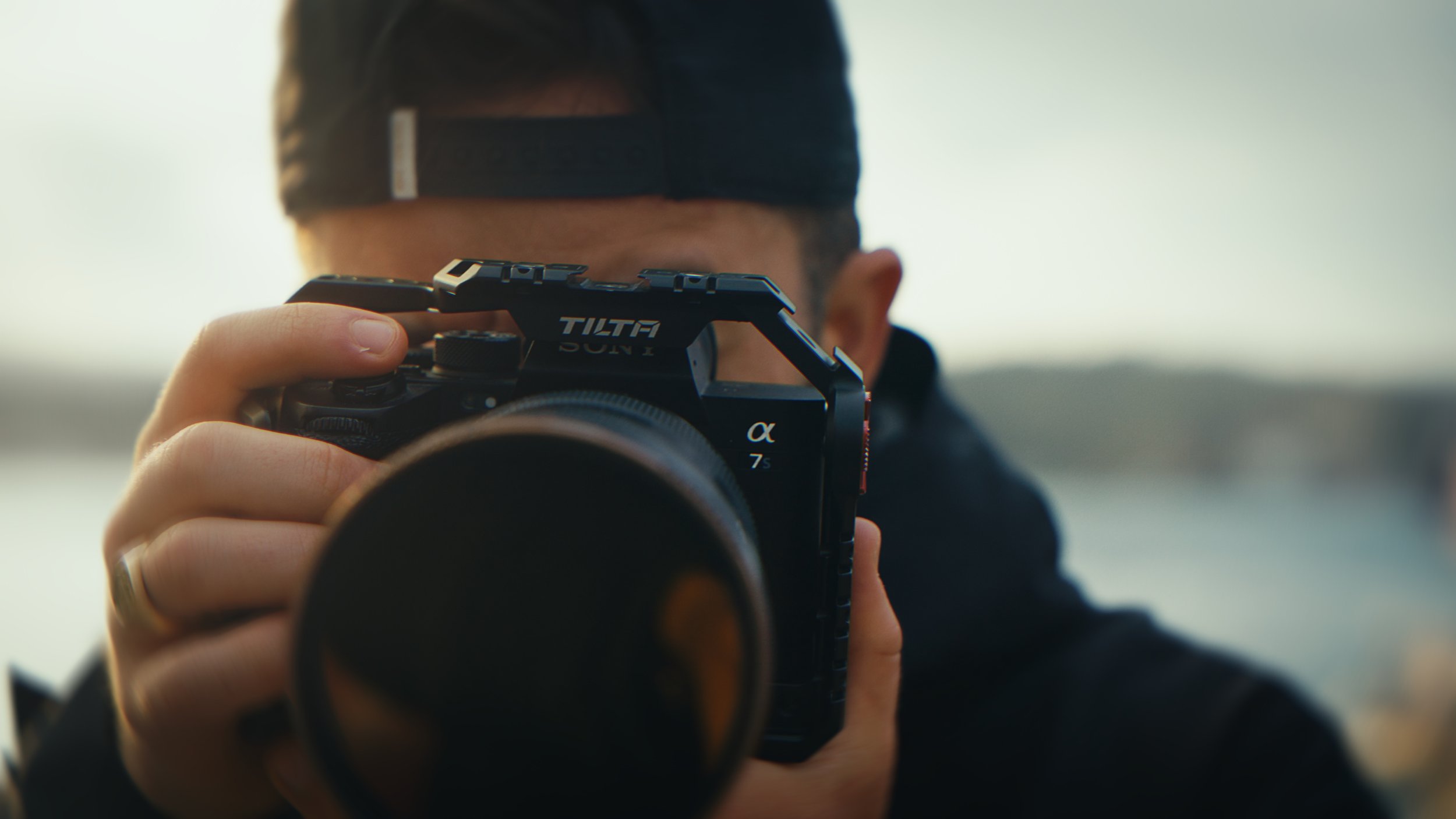
Your footage doesn't
look cinematic?
The complete DaVinci Resolve workflow that takes any footage from flat to cinematic, built on the exact process used on every film on this site.
You shoot great footage.
Then you open DaVinci and…
Flat to cinematic.
Every time.
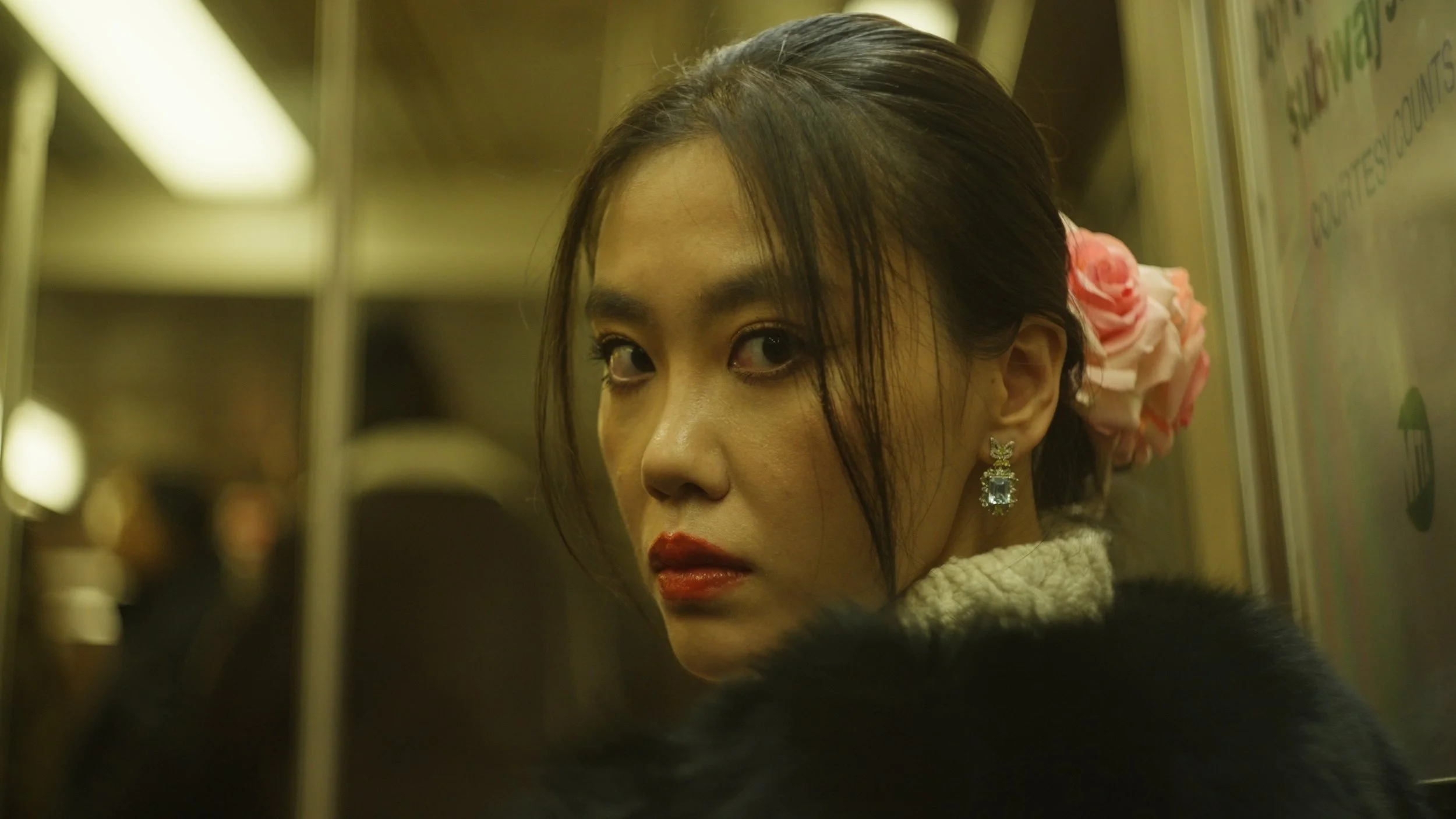
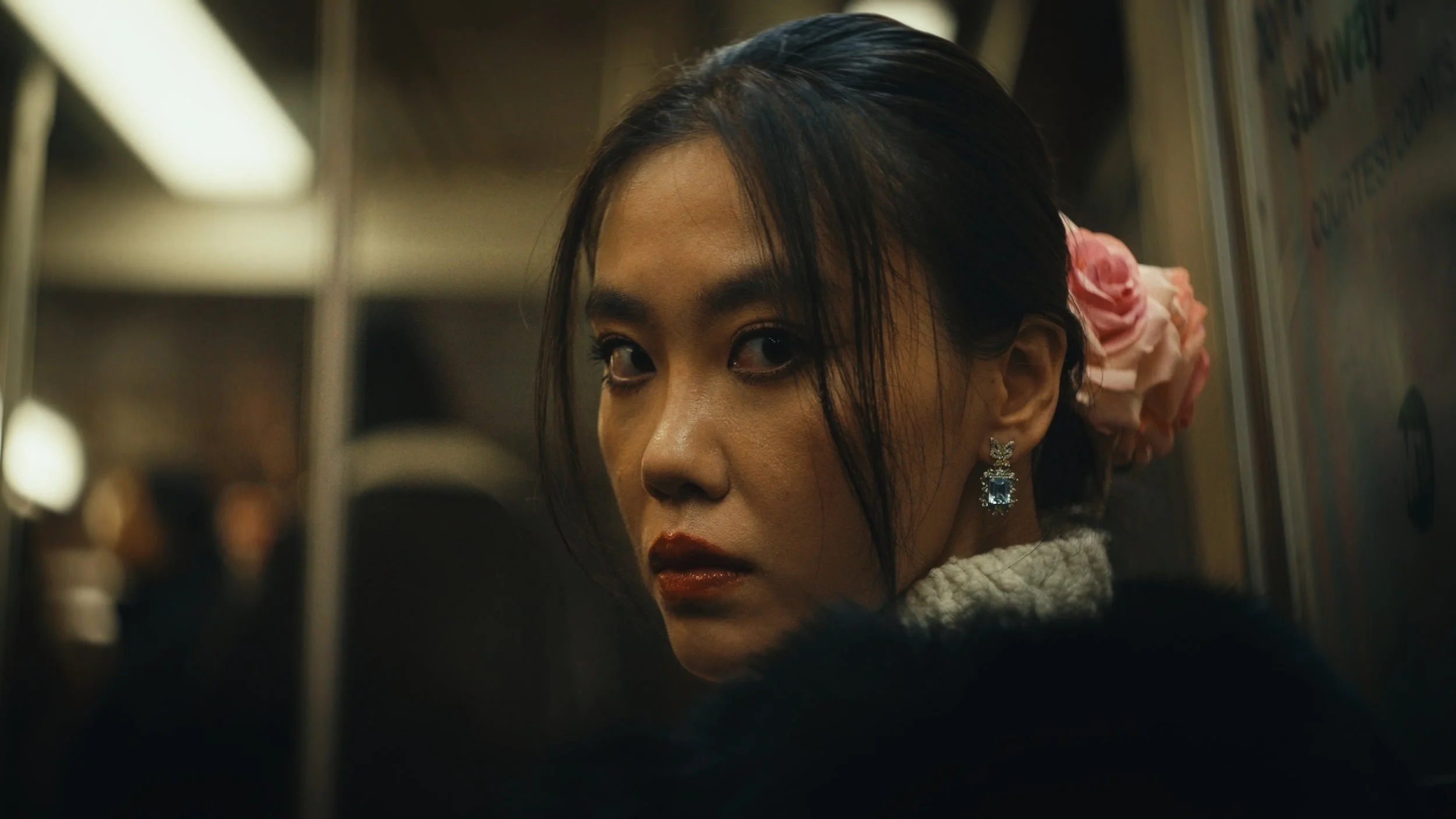
Drag any frame below to compare: real footage, graded with the Signature Color System.
Don't just take my word for it
I knew nothing about color grading before, but the training was incredibly easy to follow. My holiday footage looks amazing now, especially after understanding the DaVinci color management and calibration process.

Excellent tool that I highly recommend. The PowerGrade developed by Tommaso is incredibly clean, intuitive, and extremely effective. It's an investment that pays for itself from the very first use.

The Signature Color System completely changed how I approach grading. It's fast, consistent, and gives every project that cinematic look without hours of trial and error.

See it in action
A quick look at the complete workflow in action. This is just a preview. The full step-by-step training is included with the system.
Everything you need.
Nothing you don't.
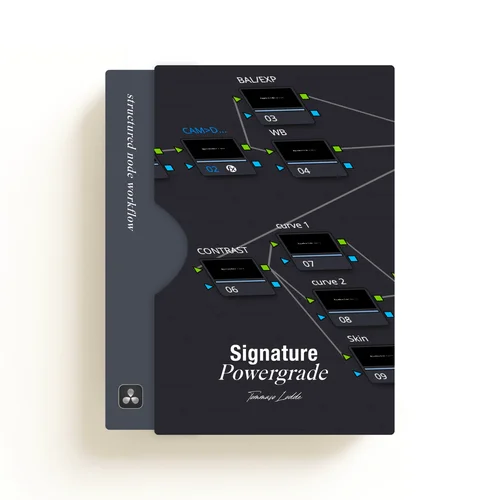
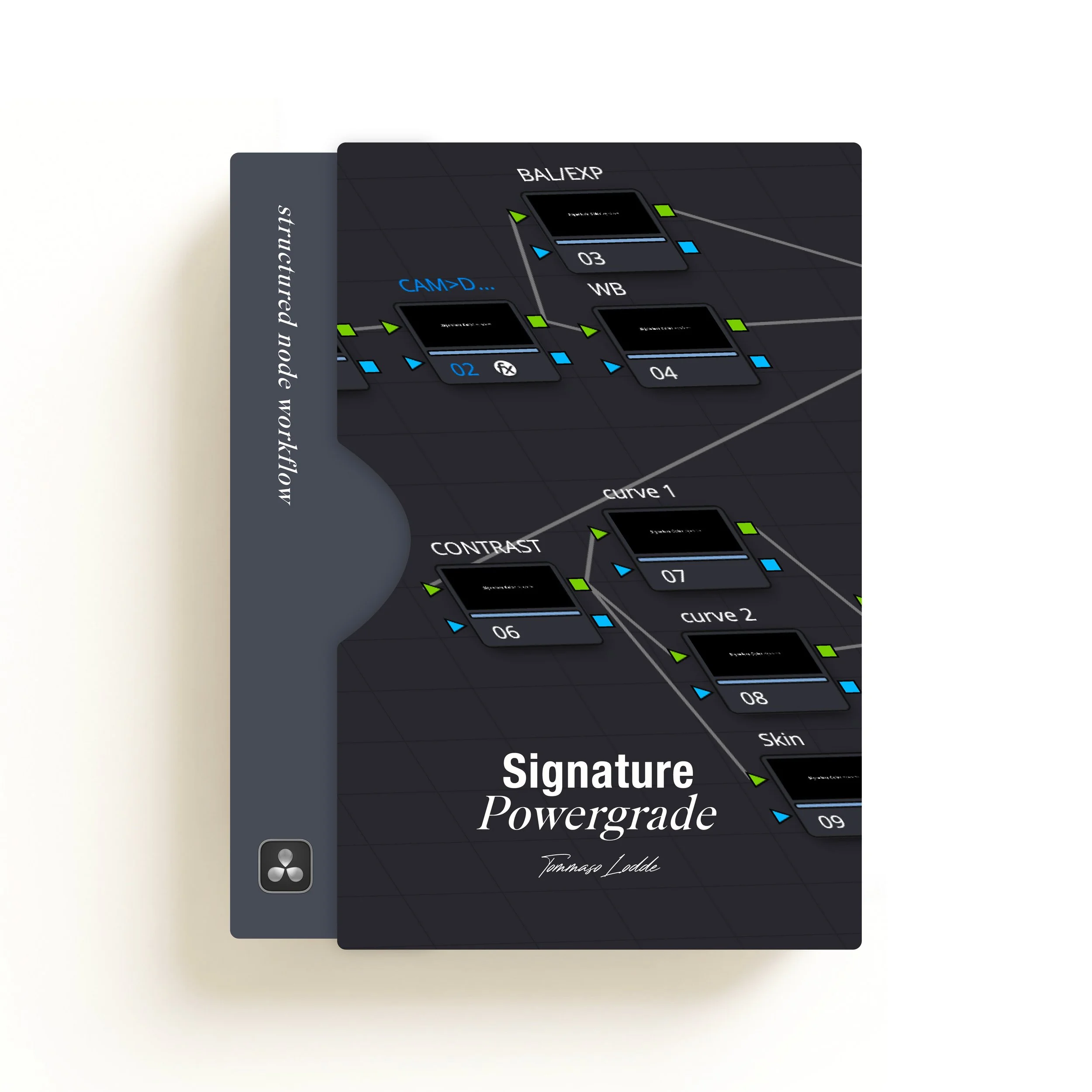
Signature PowerGrade
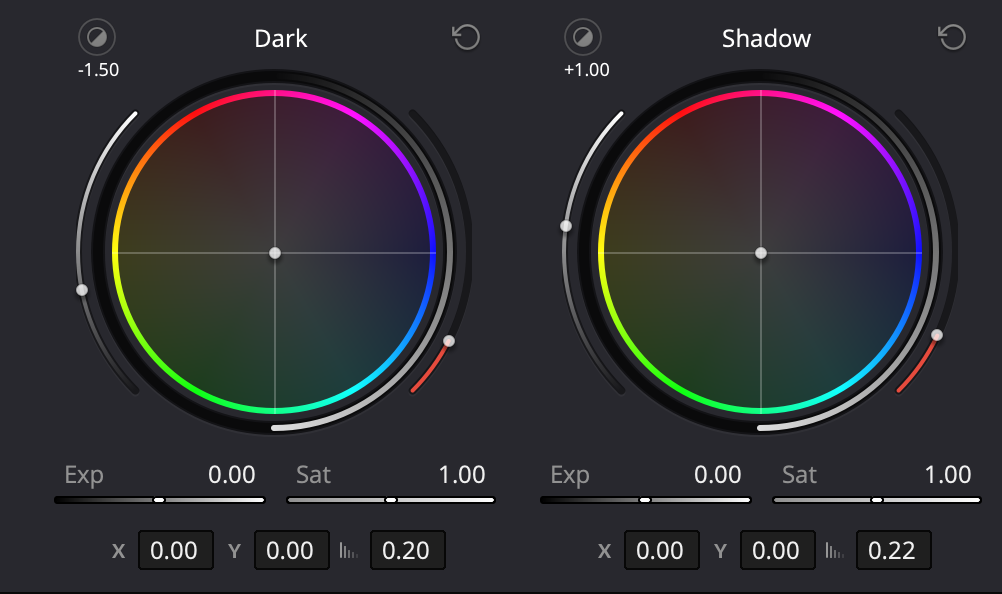
A complete node tree with integrated CST, exposure control, and finishing layers. Built for consistency across projects, from your first grade to your fiftieth.
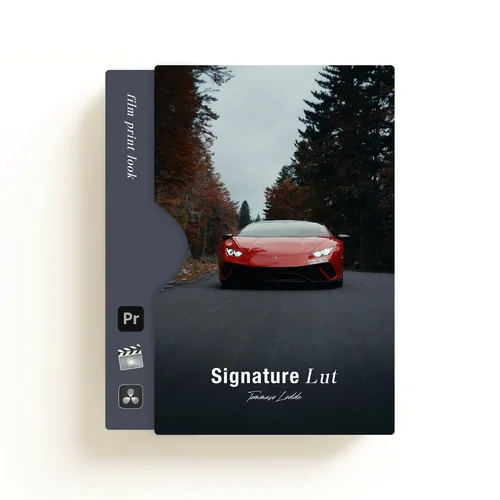
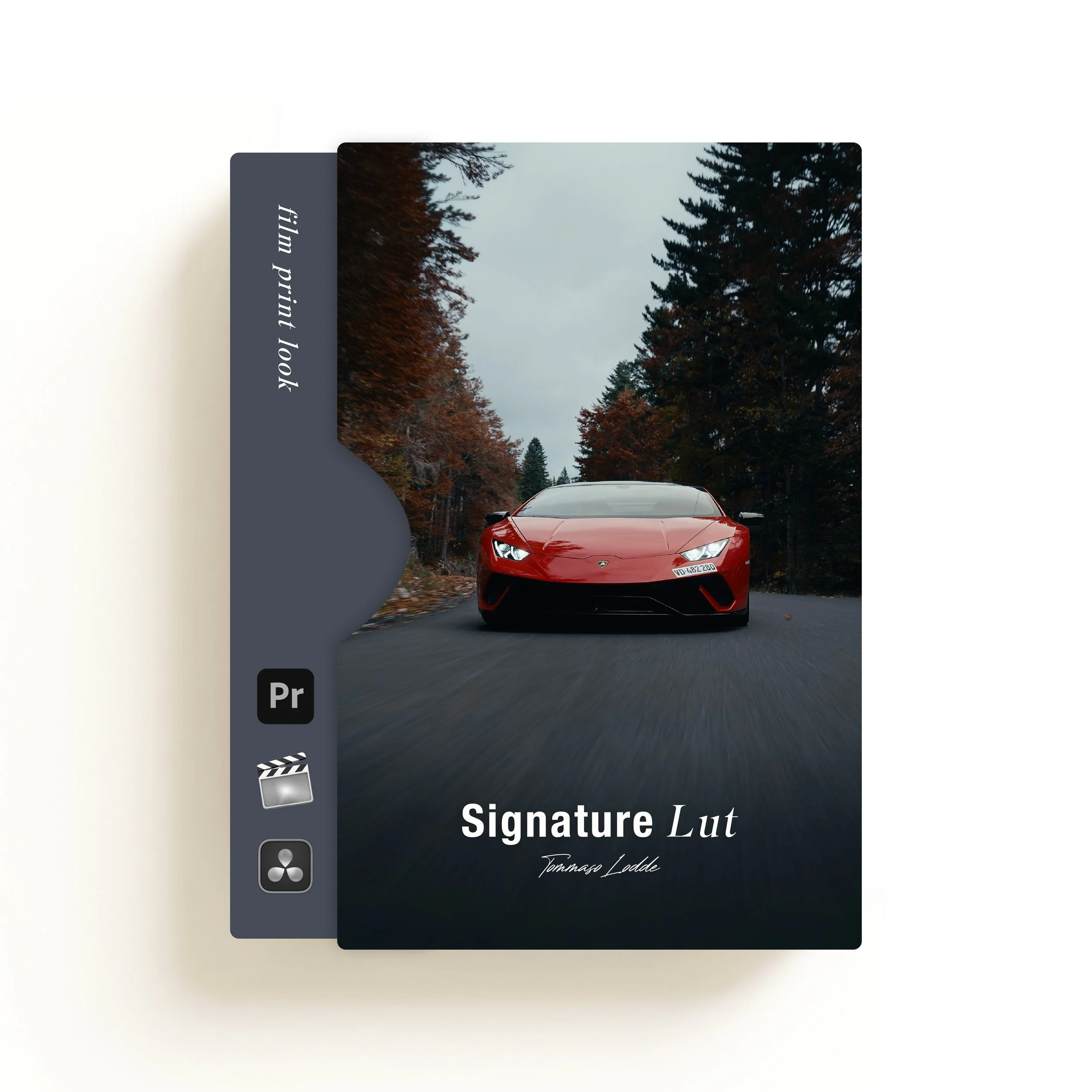
Signature LUT
A refined finishing LUT designed to work on top of a properly balanced image, adding contrast, color separation and subtle texture without destroying what's underneath.
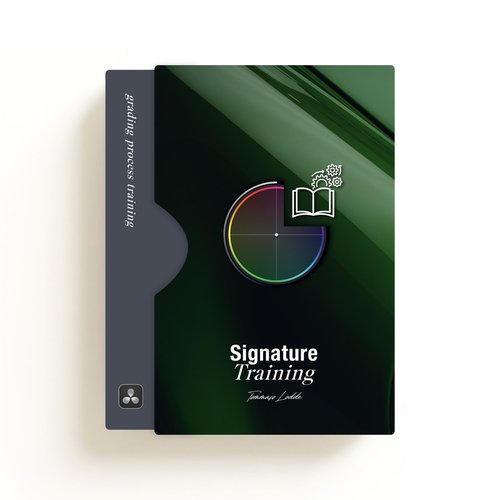
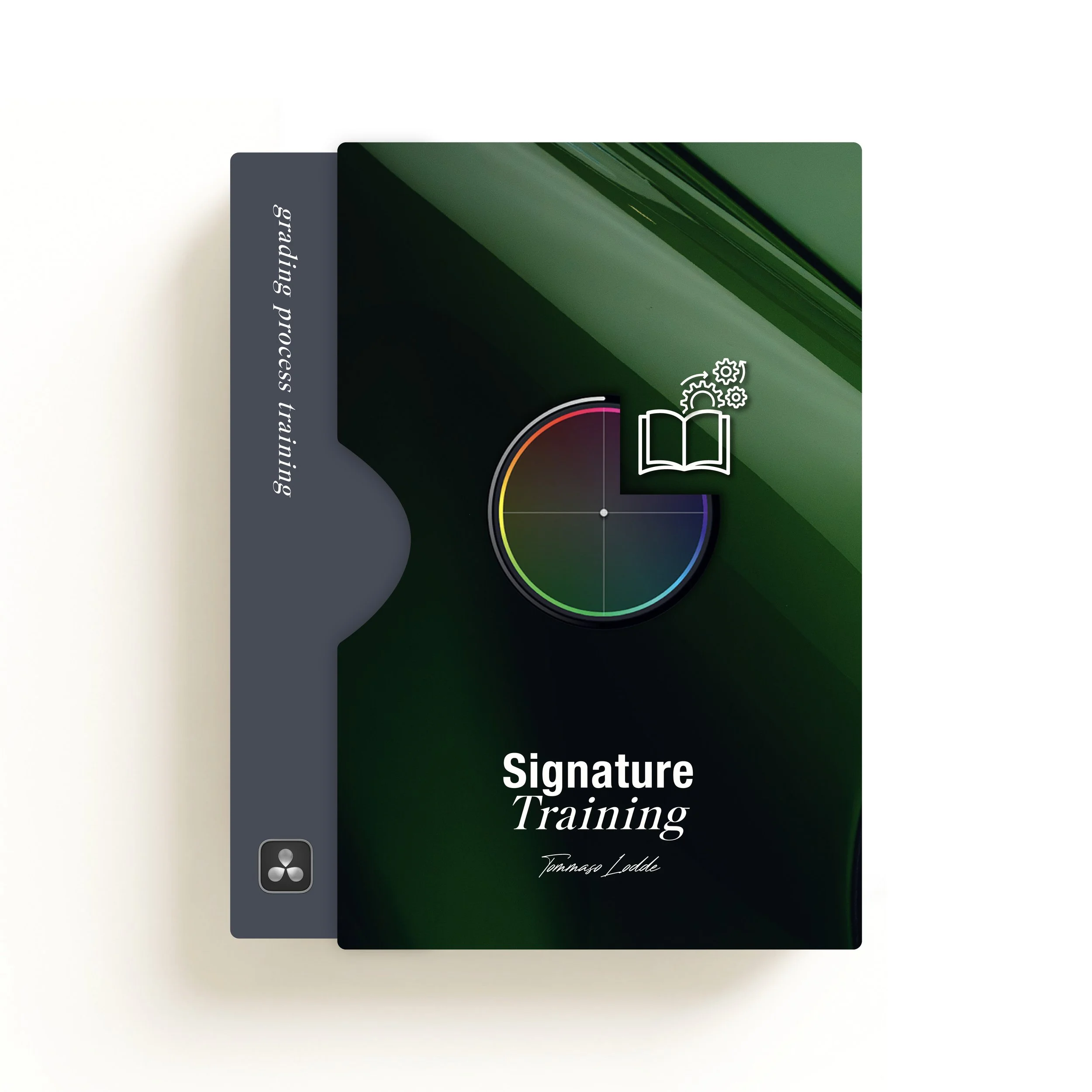
Signature Training
Complete video guide: camera setup → color grading → final export. Everything explained, step by step, so nothing is left to guesswork.
Built to be used, not just watched
Structured PowerGrade
Start from a clean cinematic base in seconds, with a fully structured workflow ready to use.
Built-in finishing effects
Film grain, edge blur and RGB split, built directly into the system. No extra plugins needed.
Signature LUT
A custom finishing LUT designed to bring depth, tone and a cinematic feel to your final image.
SIGNATURE
Get instant access
Everything is delivered instantly after purchase. Use it on your very next project.
You're currently saving CHF 10 on the Full System.
Full System
Best if you're starting from scratch or want the complete workflow
- Signature PowerGrade (full node tree)
- Signature LUT for Rec.709 output
- Full video training, camera to export
- Built-in film grain, RGB split, edge blur
- Works on all cameras & all DaVinci versions
- Unlimited personal & commercial use
LUT Only
Best if you already have your own grading workflow
- Calibrated Signature LUT (Rec.709)
- Works in DaVinci, Premiere Pro & Final Cut
- Instant download
- Unlimited personal & commercial use
Before you start
Do I need DaVinci Resolve Studio?
The pack is built with DaVinci Resolve Studio in mind. If you're using the free version, the PowerGrade will still load and most of the structure will work as intended. However, a few Studio-only features (such as certain effects) will be disabled. The core grading approach remains fully usable.
Is this compatible with all cameras?
Yes, however, you need to know your camera's input color space and input gamma. Every camera and profile is different, and correct conversion is essential for accurate results. In the Signature training, I explain exactly how to set up your CST properly so the system works as intended.
Do I need to shoot in Log?
No. The system works best with Log footage, but it can also be used with Rec.709 or standard profiles. In the training, I explain how to set up the CST input node inside the PowerGrade so you can integrate your footage and adjust exposure and color properly.
Is this just a LUT?
No. This is a complete color workflow designed to help you build clean and consistent cinematic grades. It includes a structured PowerGrade, a mini training explaining the full process, my export settings, and the calibrated Signature LUT made to be applied on Rec.709 footage. The LUT can also be purchased separately if you only want the finishing look.
What exactly is included in the pack?
The Signature Color System gives you everything you need for a clean and controlled grading workflow: the calibrated Signature LUT for Rec.709 output, a complete DaVinci Resolve PowerGrade with a structured node architecture, integrated finishing tools like film grain, RGB split and vignette blur, my export settings, and a mini training explaining the full workflow from input conversion to final look.
Does this only work in DaVinci Resolve?
The full system including the PowerGrade is built specifically for DaVinci Resolve. However, the Signature LUT alone can be used in Premiere Pro, Final Cut Pro and other editing software that supports LUTs.
Can I use it for client work?
Yes. You can use it for unlimited personal and commercial projects. Reselling or redistributing the LUT or PowerGrade files is not allowed.
Do you offer customer support after purchase?
The system is designed to be self-explanatory. The included mini training walks you through the full workflow step by step. If you experience any technical issues or have questions related to installation or usage, you can contact us at support.signaturecolorsystem@gmail.com and we will do our best to help.
Stop fighting flat footage.
Get the exact system used to grade every project on this page: instant access, works on all cameras, all DaVinci versions.
Start grading: CHF 69